Define Your Document Types
Set up document types with the metadata, index fields and supporting document relationships each one needs, from single invoices to complex multi-page records.
CortexAI is an AI-powered document management system that spans capture, processing, indexing, retrieval, workflow, administration and reporting, shaped around the document processes your business already runs.
Capture documents from scanners, upload, email, SharePoint and pre-configured locations, physically connected or over the network.
AI and OCR extraction handles both predictable layouts and flexible, unstructured information before indexing.
Route work through configurable validation and approval stages built around your business rules.
Find documents with indexed searches, filters and operators, then report on them and export to CSV.
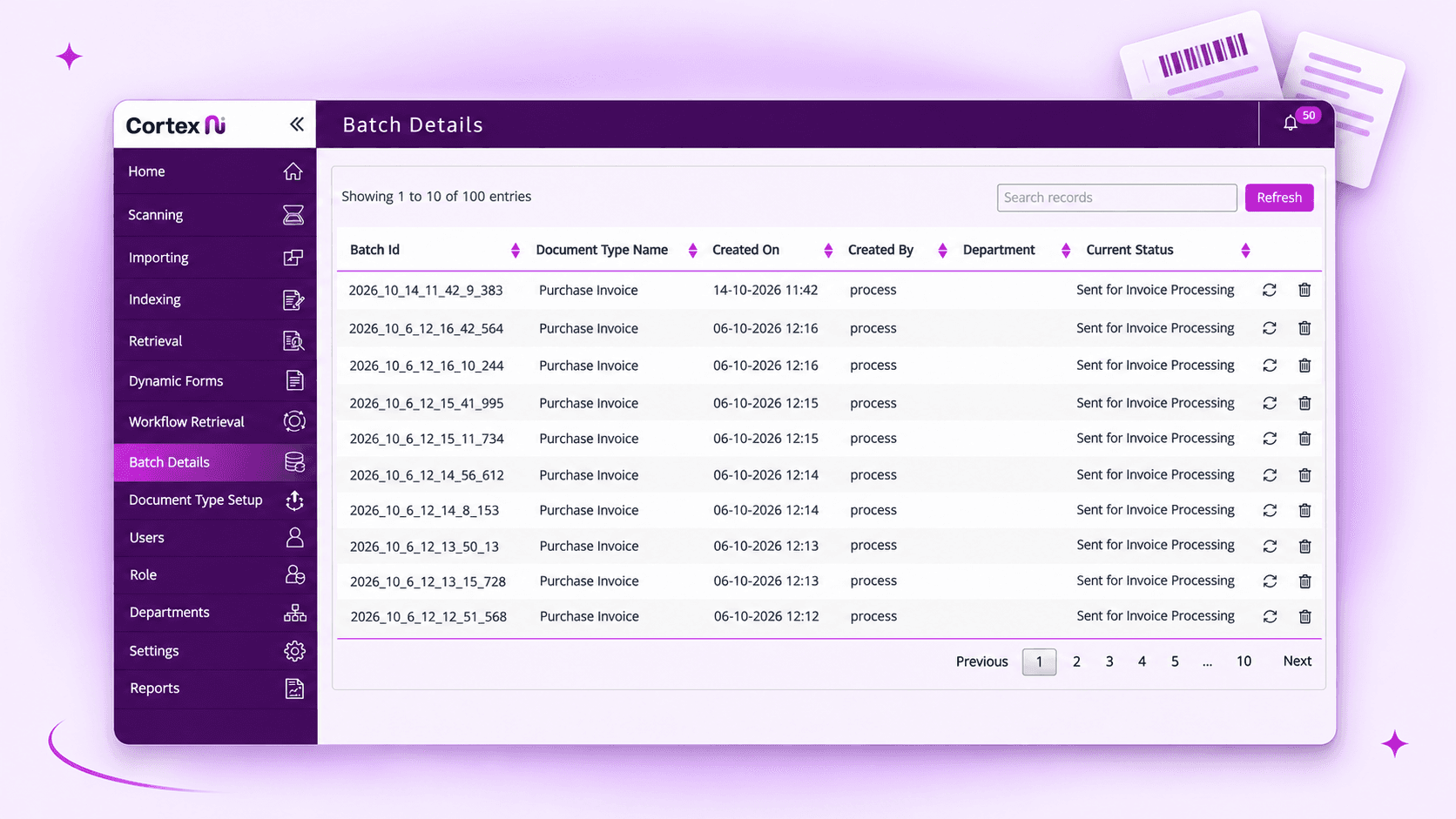
A unified way to manage every stage of your document workflow, from capture and processing to approval, retrieval and reporting.
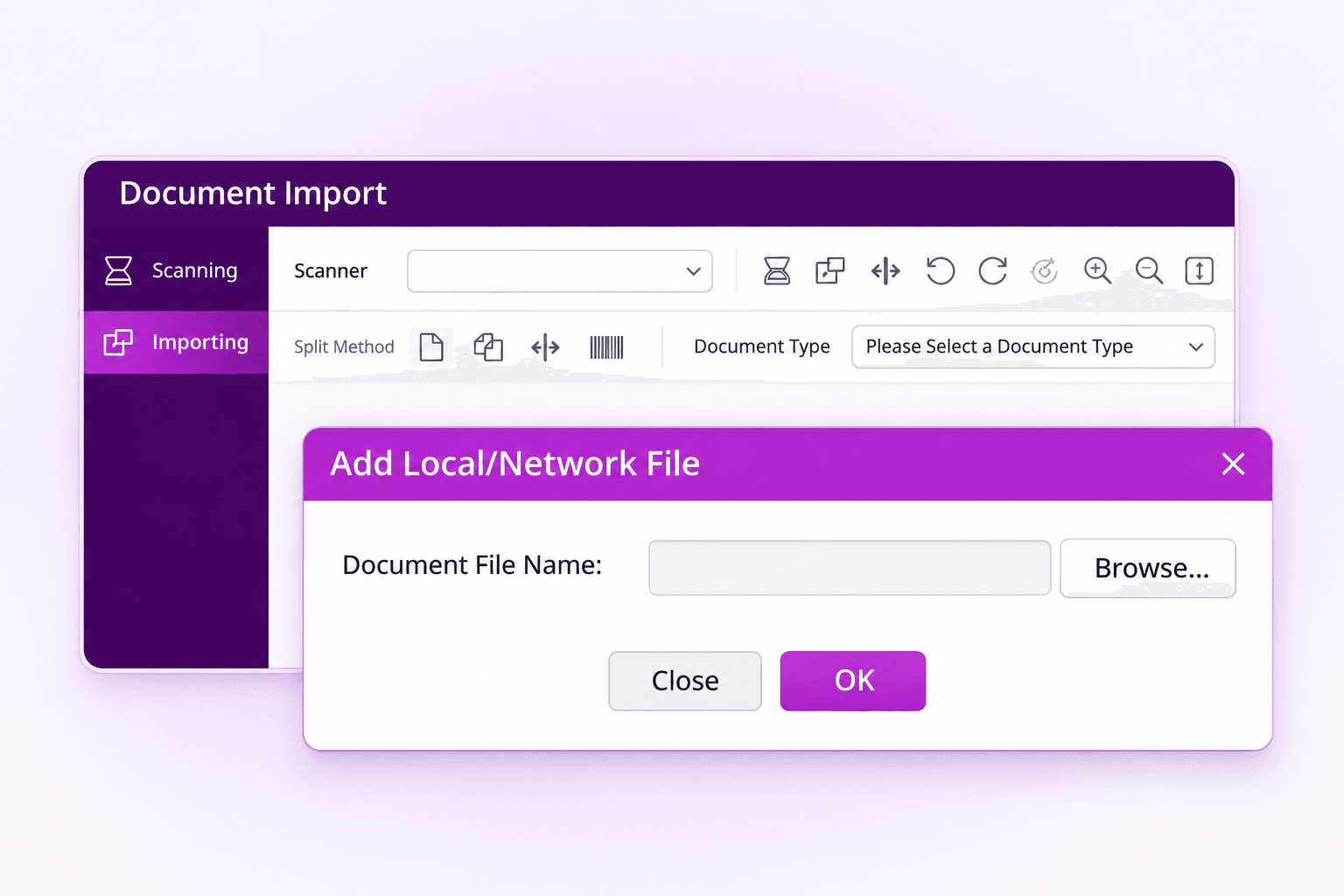
Bring documents into CortexAI the way they already arrive: through scanning, upload and import, email, SharePoint and pre-configured locations. A dedicated scanning utility works with a scanner connected physically or over the network, so desktop devices and shared multi-function scanners all feed the same pipeline.
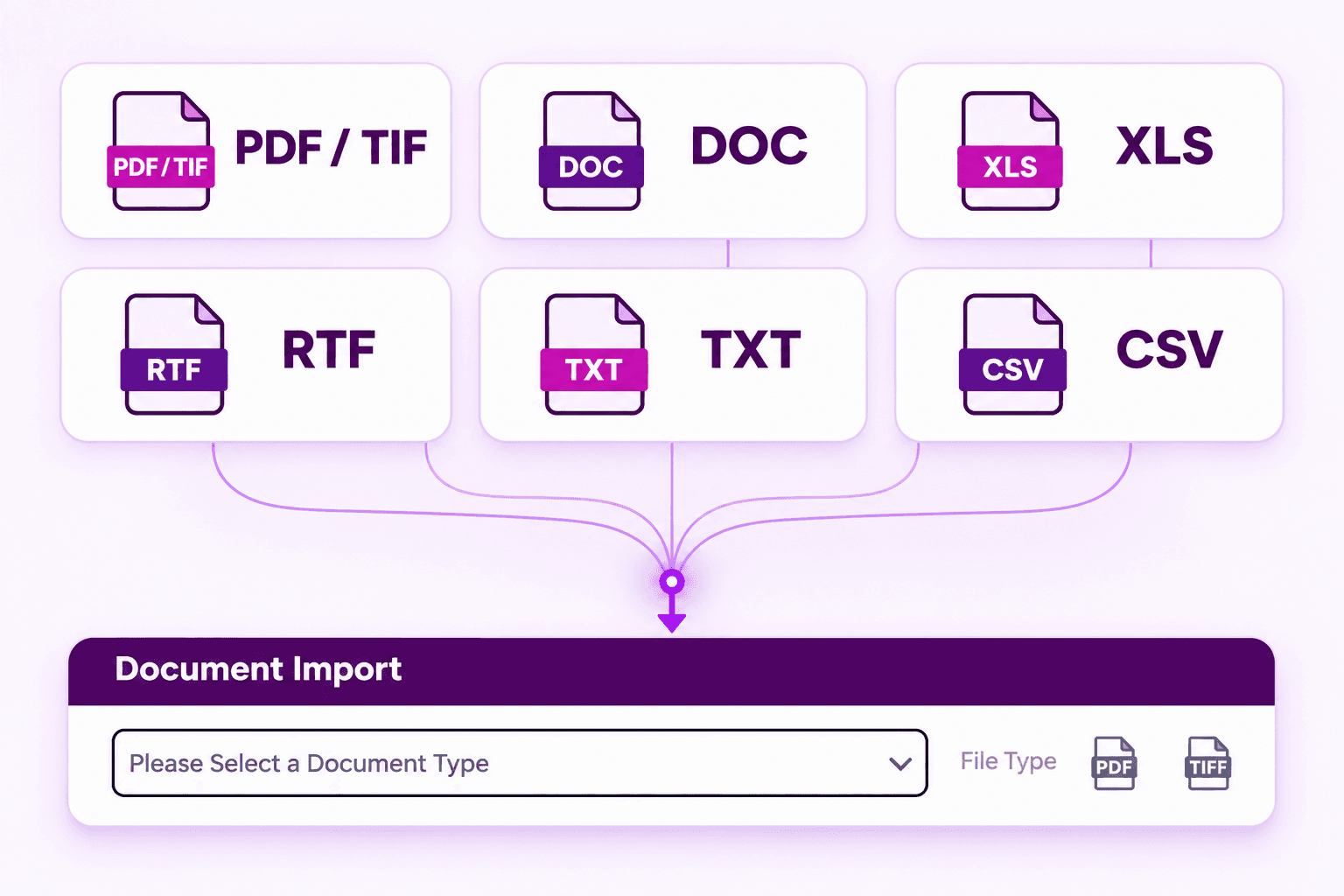
Common business file formats are supported out of the box, so mixed deliveries become one structured stream. PDF and TIF images, document files, Excel spreadsheets, RTF, text and CSV are all ingested, processed and indexed side by side. No format is left outside the system.
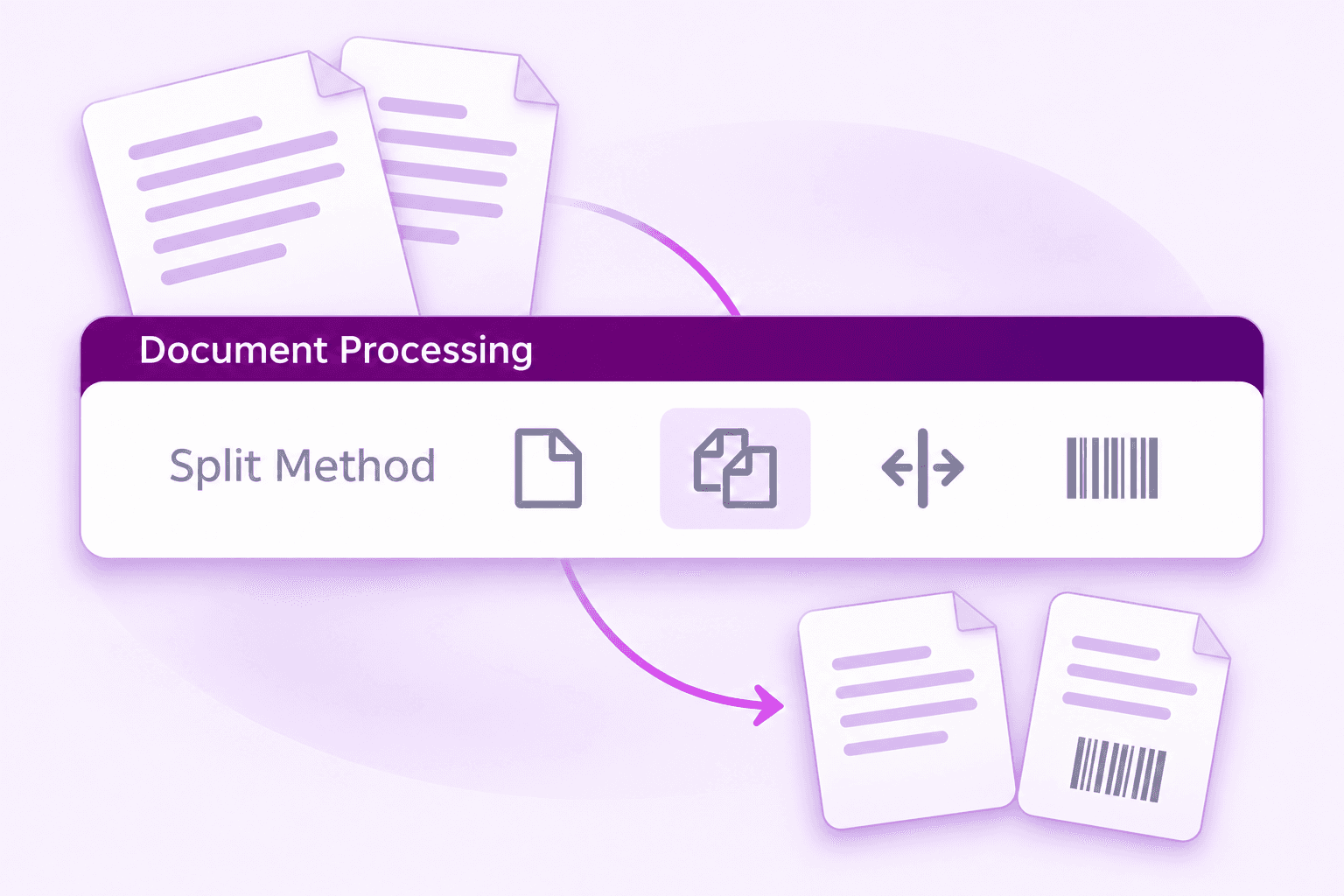
Process uploaded or scanned batches as individual documents or as a combined document. Where batches arrive mixed, separator pages or barcode-based grouping split them into the right documents automatically before any indexing begins, so every record starts life in the right place.
Configure processing jobs such as merge, split and barcode decoding to run before indexing and retrieval. Documents arrive in retrieval exactly the shape your process expects, combined where it helps, split where it matters, decoded and ready to work with.
Use region-based extraction for predictable layouts where field positions are known, or AI-assisted extraction where information sits in more flexible, less predictable positions. Both approaches feed the same index fields, so downstream retrieval never has to care which one ran.
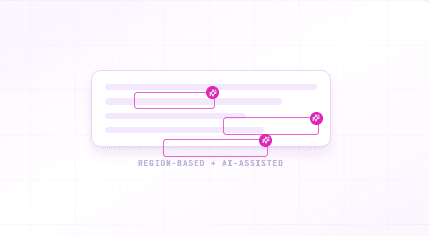
Configure header and line-item fields by document type, then populate them manually through validation screens or through OCR- and AI-assisted auto indexing, or a blend of both, keeping people in the loop exactly where the business needs them.
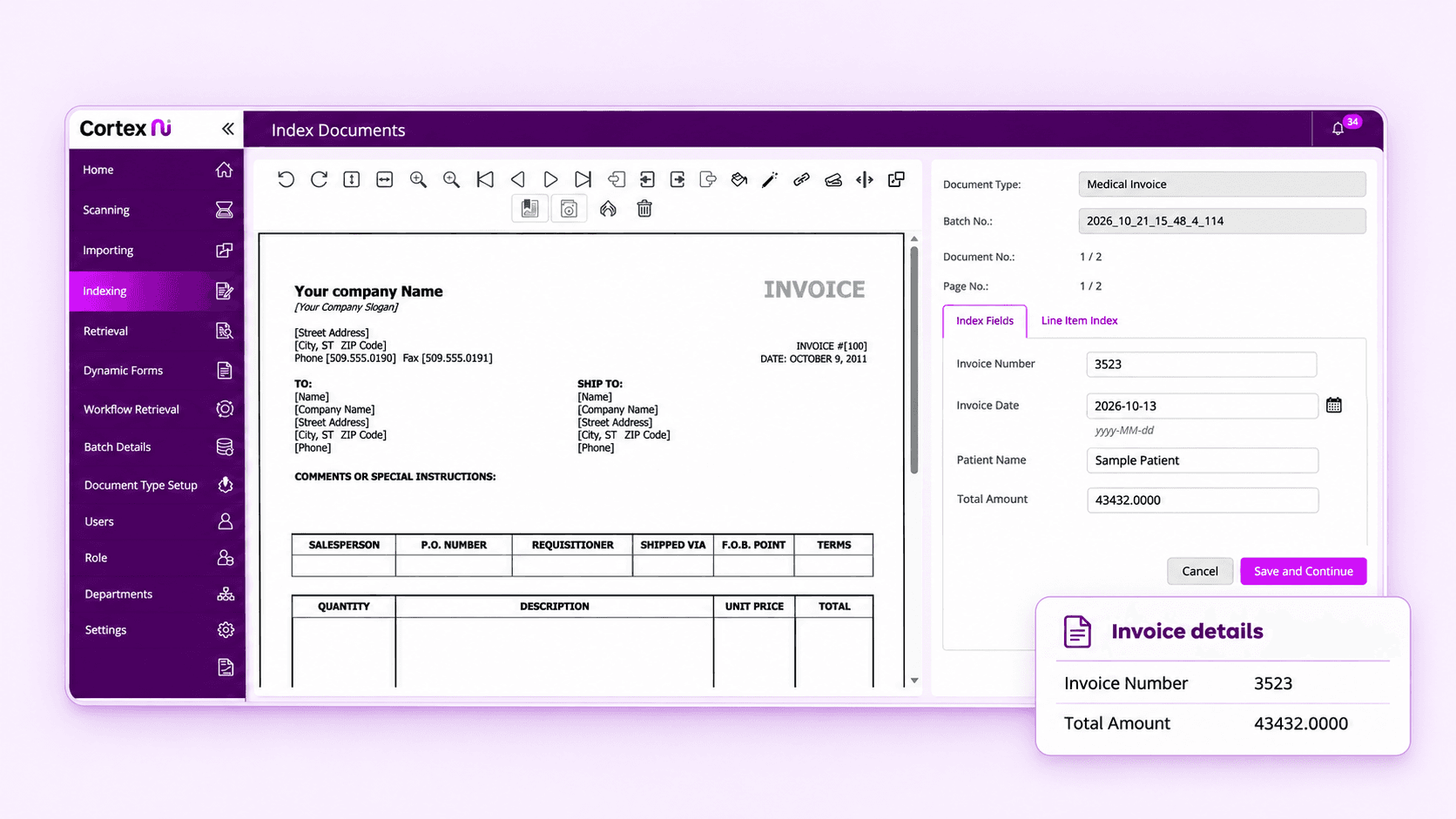
CortexAI lets you configure how documents enter the system, how they are processed and indexed, which workflows apply, and how information is managed throughout its lifecycle, shaped around the document processes required by each customer.
Set up document types with the metadata, index fields and supporting document relationships each one needs, from single invoices to complex multi-page records.
Define how documents enter the system, apply routing and merging rules, and configure validation and approval stages so every document follows the path your process demands.
Configure retention settings, manage linked documents, and make indexed information available for reporting, retrieval and downstream integration.
CortexAI controls roles and users and enforces module privileges, so access can be limited based on the role. Documents and workflow queues can also be secured based on the departments responsible for working a queue.
Create custom roles and assign module-level privileges built on user responsibilities, so access is limited by role.
Group users into departments and secure documents and workflow queues by the teams responsible for working them.
Create users manually or bring in Active Directory users, however your organisation already manages people.

With over 30 years of experience, FLR Spectron delivers innovative B2B technology solutions that help organisations work smarter, operate more efficiently and embrace digital transformation. From responsible AI adoption to scalable business technology solutions, we provide tailored solutions that simplify complexity, enhance productivity and support long-term business growth.
Explore Cortex AIQuick answers about how CortexAI manages documents, from capture and extraction to workflow, reporting and integrations.
CortexAI is an AI-powered document management system that presents a configurable workflow spanning capture, processing, indexing, retrieval, workflow, administration and reporting. It is designed around configurable document types, metadata, index fields, workflows, roles and reporting logic, so each implementation can be shaped around the document processes a customer actually runs.
CortexAI supports common business file formats including PDF/TIF, document files, Excel spreadsheets, RTF, text and CSV. Documents arrive through scanning, upload and import, email, SharePoint and pre-configured locations, and the scanning utility works with a scanner connected physically or over the network.
Two approaches cover any layout. Region-based extraction suits predictable layouts where field positions are fixed, while AI-assisted extraction handles more flexible information extraction. Extracted values populate the header and line-item index fields defined for each document type, either automatically or through manual validation.
Yes. You create workflow routes and stages for validation and approval, then configure the actions available at each stage (update, approve, decline or remove from workflow) based on your business rules. Documents move through stages, departments and assigned users automatically.
The demonstrated implementation uses Microsoft SQL as the supported database platform. Extracted data can be stored in the application database or transformed for downstream systems whenever integration endpoints and expected formats are available.
Yes. Supporting documents can be associated across document types, for example, a credit note can be linked to the purchase invoice it relates to. Linked records are surfaced together during retrieval, and dynamic forms can generate new documents, such as credit notes, that enter the same document process.
Tell us how documents move through your organisation today, and we will show you how CortexAI would capture, process, index, retrieve and report on them.
Request a Walkthrough